Chiropractic adjustment booking template
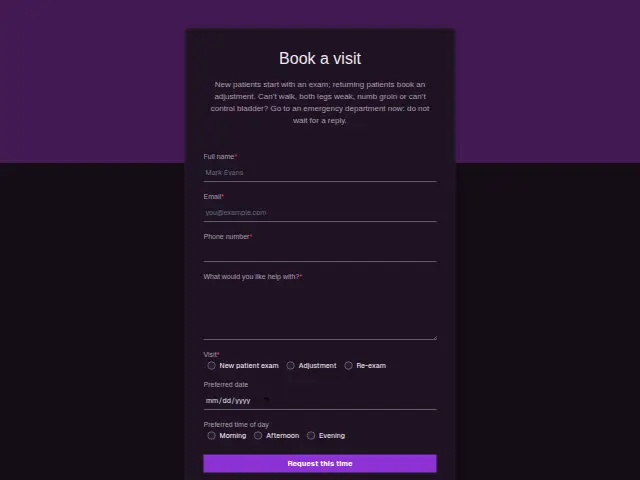
New patients start with an exam; returning patients book an adjustment. Can’t walk, both legs weak, numb groin or can’t control bladder? Go to an emergency department now: do not wait for a reply.
- Trade
- Chiropractic
- Kind of form
- Booking
- Questions
- 7
- Required
- 5
Start the 14-day trial, then choose Chiropractic adjustment booking under Form templates. Each field, word and colour can be changed.
Who uses it
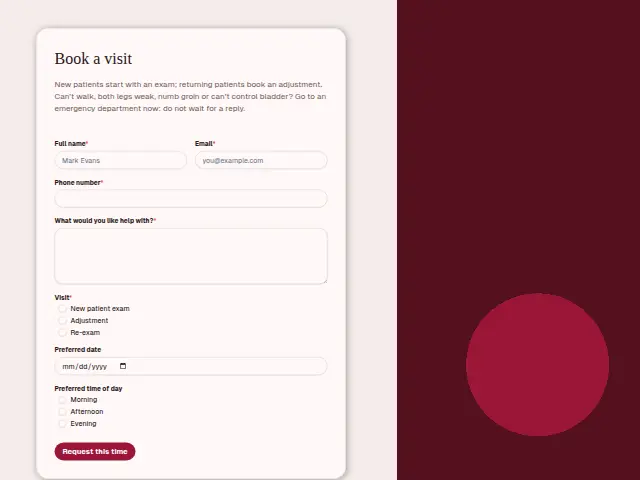
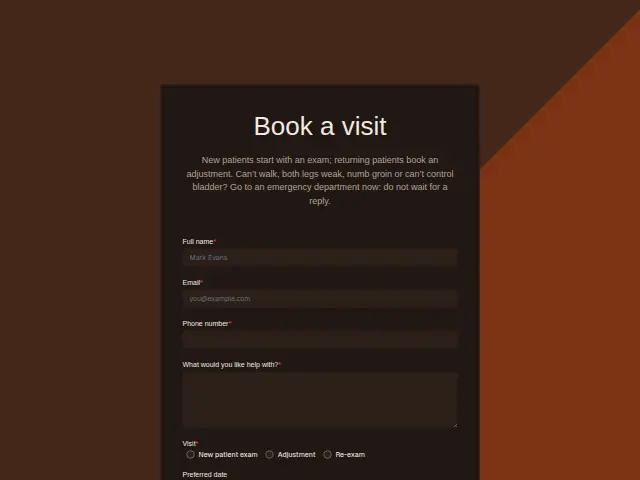
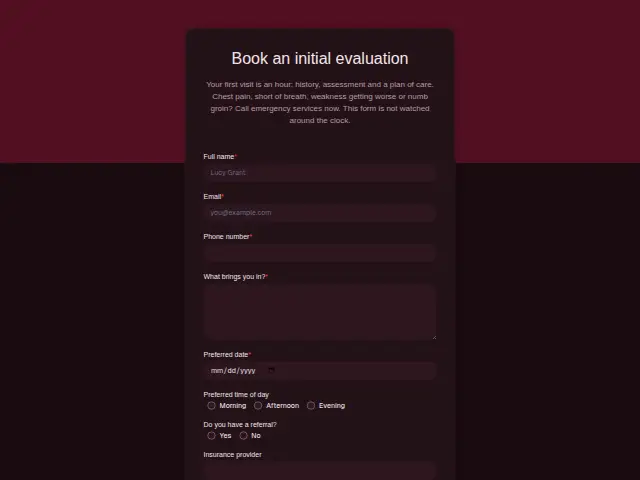
This booking form follows the clinic’s visit types, a new patient exam, an adjustment or a re-exam, and makes that choice required. The description repeats the clinic’s emergency warning, and a required “What would you like help with?” gives the chiropractor a line to read before the patient arrives.
Date and time of day are optional, which suits returning patients who come every week and take whatever slot is free.
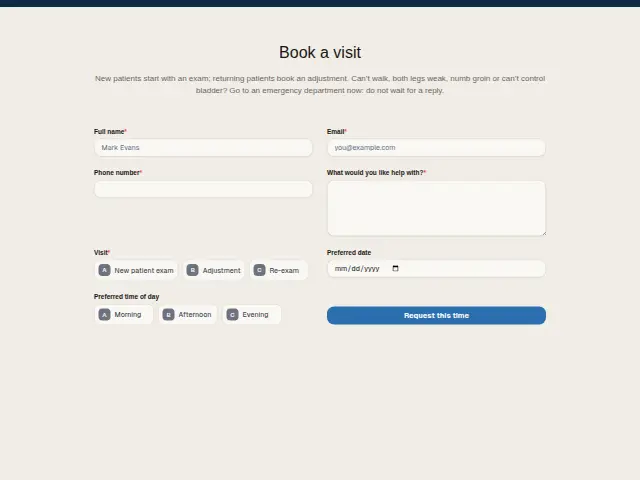
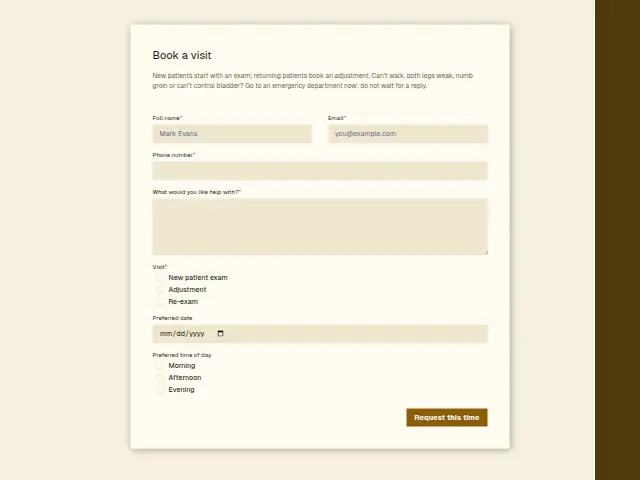
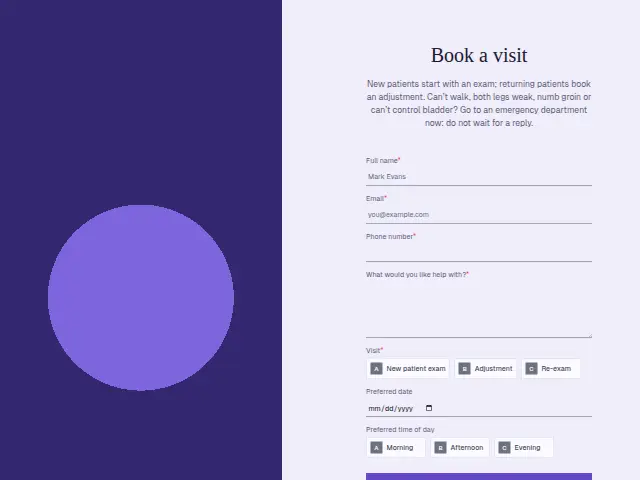
The same form, in 6 layouts
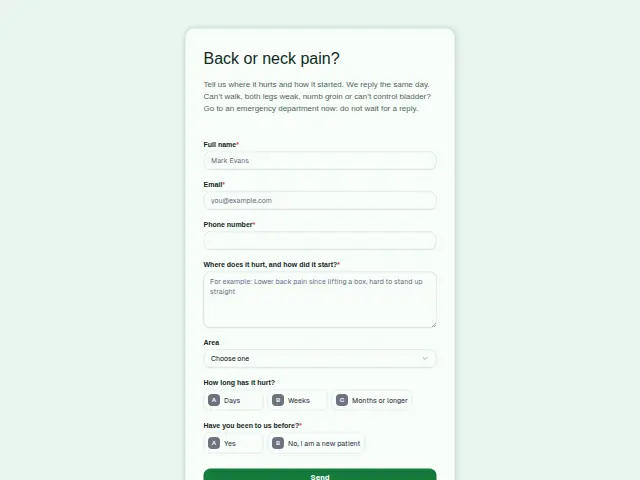
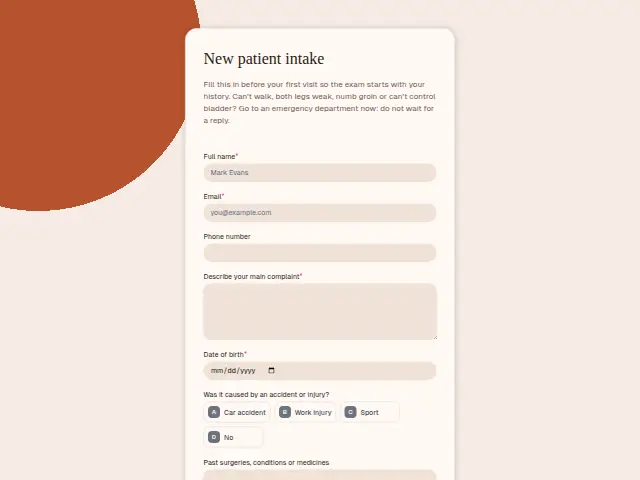
Same questions, same words. Pick the arrangement that suits the page it sits on; the layout can be changed later too.
Field guide
7 questions, each with what the business does with the answer.
| Question | Type | Required |
|---|---|---|
| Full nameThe appointment is booked under this name, and it shows in the portal’s Leads for the clinic’s staff. | Short text | Yes |
| EmailAn email confirmation can go here with whatever the clinic wants a first-time patient to know before arriving. | Yes | |
| Phone numberRequired, so the clinic can text the confirmed time or call if the slot asked for is full. | Phone | Yes |
| What would you like help with?The chiropractor reads this one line before the patient walks in, and a re-exam note often says how care is going. | Long text | Yes |
| VisitNew patient exam · Adjustment · Re-exam“New patient exam” can send the intake form at once, while adjustments and re-exams go straight to the diary. | Multiple choice | Yes |
| Preferred dateOptional, which suits weekly patients who take the next free slot, and the front desk offers one. | Date | No |
| Preferred time of dayMorning · Afternoon · EveningWeekly adjustment patients usually keep the same part of the day, and this answer tells the desk which. | Multiple choice | No |
What happens after someone sends it
A new patient exam needs the intake form first, and a workflow reading “Visit” can send it the moment the booking arrives, so the history and the signed consent are in before the exam. Adjustments and re-exams go straight to the diary.
A re-exam is the point where a care plan is reviewed, and the free-text answer often says how the patient feels it is going. Each booking reaches the portal’s Leads, so the clinic’s own staff see new exams without asking you.
Each response adds the person to the client’s CRM, shows in their portal’s Leads and sends you a new-lead alert; if nobody has answered after 15 minutes, you hear again. Any workflow you start from the form runs the moment it arrives.
Library workflows that start from a form like this: Meeting follow-up and Quiet lead follow-up.
Its answers can also go straight to another app with a starter: ActiveCampaign, Airtable, Asana, Attio, Brevo, ClickUp, Close and Discord, among others.
Trades that use it
The trade page that lists this form, with the trade’s other forms and workflows.
Thrum is cooking.
Get early access and you’ll be among the first in. Early members get a launch perk.